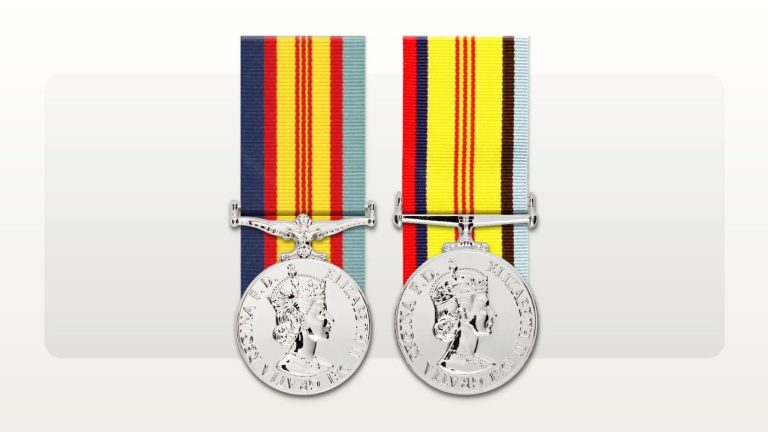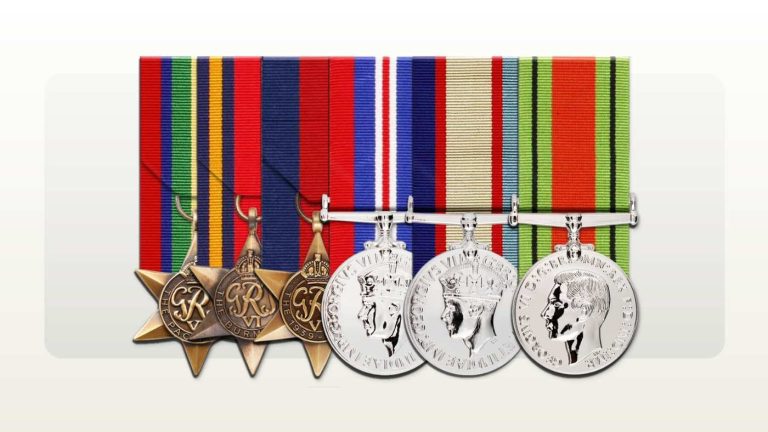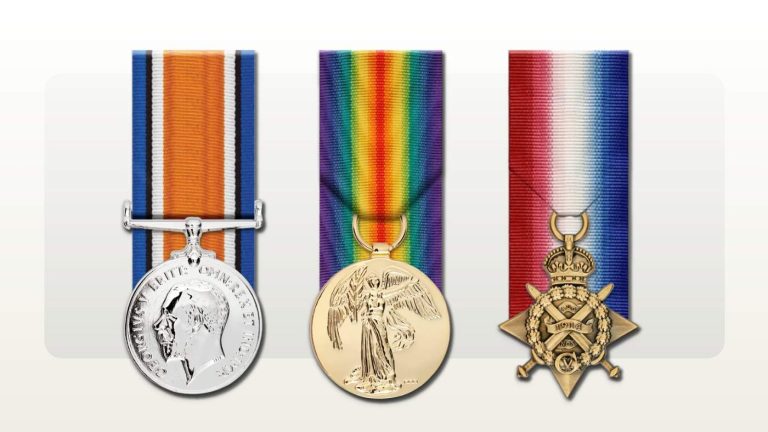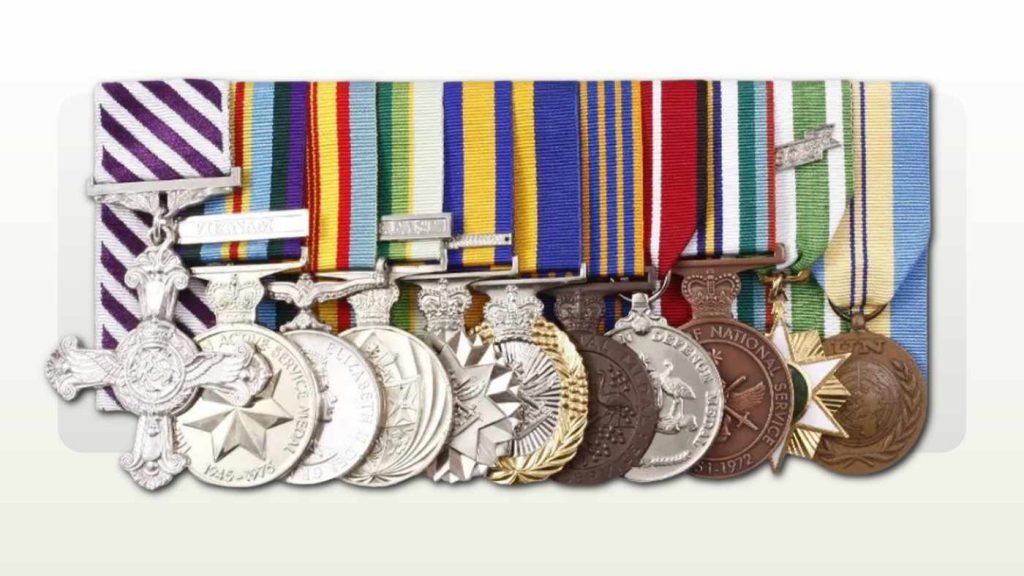
A complex medal rack needs more than a quick look at the preview. Several awards, multiple clasps, foreign medals or different product formats can leave small details easy to miss. Before placing your order, work through the award list and the selected products separately, then check that they agree.
The checklist below is a practical way to review one Rack Builder order. Keep your confirmed award information beside you, write down anything unresolved and raise questions before proceeding. A tidy arrangement is useful, but it cannot confirm the recipient's entitlement.
1. Confirm whose awards the rack represents
Start with the recipient's name and a list of the awards that belong to that person. If you are ordering for someone else, ask them to check the list where possible. For a family project, keep each relative's group separately identified so that medals from different people do not accidentally become one set.
Record the full award names rather than relying on ribbon colours or family shorthand. An old photograph can help explain a question, but a partly hidden medal or blurred clasp may need further identification. Write "to confirm" beside an uncertain item instead of choosing the nearest-looking option.
Rack Builder's FAQ states that common groups are starting points and do not establish entitlement. Check the award documents, service record or relevant authority before ordering.[1] If an entitlement question remains, resolve it with the organisation responsible for the award; a mounting decision cannot settle it.
2. Check the selected service or jurisdiction
Rack Builder uses the selected service or jurisdiction to apply its award and order-of-wear rules.[2] Check this selection before reviewing the arrangement. It is particularly useful to flag a history involving more than one service or organisation, rather than assuming one label explains every award in the group.
For a mixed group, describe the intended use and the relevant service history briefly in your enquiry. For example, say that the set includes confirmed military and police awards and identify the uniform or civilian context in which it will be worn. Ask for clarification if the available selection does not clearly fit.
3. Compare each medal with the confirmed award list
Read each selected award name against your list, one at a time. Check for omissions, accidental duplicates and similar names. Then count the selected medals and compare that total with the confirmed list. A matching count is a useful cross-check, although it will not reveal two incorrectly selected awards that happen to cancel each other out.
If an award is missing from the catalogue, avoid substituting a different medal to complete the preview. Rack Builder asks customers to report a missing award with its full name, issuing authority and a reliable source.[2] Keep the question linked to the saved rack so the team can see where the gap occurs.
4. Review clasps and ribbon devices separately
For each relevant award, check the clasp name or number against the award information. When ordering more than one format, review how that entitlement is represented in each. The decoration attached to a ribbon bar may differ from the clasp attached to a medal ribbon.
The Defence Long Service Medal provides a clear example. Defence states that the first four clasps are represented by rosettes when the ribbon is worn alone. At the fifth clasp, those rosettes are replaced by one Federation Star.[3] This does not mean adding another medal to the rack.
Your review should therefore ask two questions: is the confirmed clasp entitlement recorded correctly, and is the appropriate device shown for the selected format? If either answer is unclear, name the award and the specific discrepancy in a support enquiry. Do not calculate an unconfirmed long-service entitlement from an anniversary alone.
5. Check precedence and flag unfamiliar awards
Use the current Australian Order of Wearing Honours and Awards as the national precedence reference. The Governor-General's website publishes the schedule and notes that the order is periodically reviewed.[4] Defence also warns that commercial medal ribbon posters are visual references, not authorities for wearing awards.[5]
If the arrangement differs from an old rack or photograph, record the difference and ask for a review. Avoid requesting a change simply to balance ribbon colours or reproduce an arrangement whose basis is unknown. Identify the two awards you are comparing so the question can be answered precisely.
Foreign awards deserve a specific check. The Governor-General publishes the schedule of approved countries and awards, while Defence provides guidance on acceptance, wear and placement.[5][6] Confirm the exact award and applicable approval requirements before treating its appearance in a catalogue as sufficient. Raise any uncertainty with the relevant authority and tell the mounter what has been confirmed.
6. Review every format and mounting choice in the order
Make a short product list before checkout. For example, you might want one full-size group and one ribbon bar, with no miniature set. Compare that intention with what is actually selected, including quantities. If the two products should reflect the same award record, check that a recent change appears in both.
Confirm the mounting choice shown for each product. Rack Builder describes court mounting as securing medals to a firm backing and swing mounting as allowing them to hang freely.[1] Choose the option appropriate to your requirements and applicable dress guidance, and ask about any option that is unclear.
If you already know the group may be difficult to fit on a garment, raise that before production. The support team accepts questions about formats, sizes, mounting and fit.[7] A screen preview should not be treated as a measurement of the space available on your actual jacket.
7. Recheck personalisation and final checkout details
Read names, initials, service numbers and dates character by character wherever they are included. If a plaque or box forms part of the order, inspect its selected wording and line breaks too. Ask another person to compare the text with your reference if that would help catch a familiar name being overlooked.
Next, review the product quantities, delivery or collection choice, contact details and displayed total. Rack Builder's published workflow includes checking the configured price before ordering.[2] If something differs from your intended purchase, resolve it before payment rather than relying on a later message to correct it.
8. Confirm timing and resolve outstanding questions
Give support the date you need the order and explain whether it is for an event, presentation or travel. Rack Builder states that entering a required date does not confirm delivery until the team accepts the production schedule. If the date is close, contact the team before ordering.[7]
Keep your saved rack reference with the enquiry. Ask one clear question for each unresolved detail, such as an unfamiliar medal's placement or a device that appears inconsistent between formats. If you have already ordered, include the order number and contact support promptly. Available changes depend on how far the order has progressed.[1]
A worked example of a final rack review
Imagine a customer ordering a full-size group and a ribbon bar from a confirmed award record. The group includes a DLSM with a confirmed fifth clasp and a foreign award whose acceptance and wear requirements have already been checked. This is a hypothetical order, not a suggested medal entitlement.
| Review item | Finding and next action |
|---|---|
| Award list | Both formats contain the intended awards, with no accidental duplicate. |
| DLSM device | The ribbon bar still shows four rosettes. Ask for this to be corrected to reflect the confirmed fifth clasp.[3] |
| Foreign award | Ask the team to check placement using the exact award name and the applicable guidance. |
| Products and quantity | Confirm one full-size group and one ribbon bar; remove any unintended extra product. |
| Required date | Discuss the deadline with support before proceeding if timing is uncertain. |
The customer resolves the device and placement questions, then checks the final selections again. That second pass matters because a correction made late in the process can affect what is ready to order.
Save the rack and ask about the details that need review
Rack Builder supports saving a rack and returning when the remaining information is available. Its team reviews saved racks against the selected jurisdiction and published order-of-wear guidance before production, contacting customers where clarification is needed.[2]
Use the checklist to make that conversation specific. Once the award details, product choices and outstanding questions are settled, review the final order and proceed when it reflects what you intend to purchase.
For a closer look at how a fifth clasp changes each format, read our guide to the fifth DLSM clasp on a full-size medal and ribbon bar.
Sources
Source pages reviewed 13 October 2026. Numbered citations in the article open the sources below.
- Rack Builder: FAQ Common groups are starting points only; court and swing mounting; changes depend on order progress.
- Rack Builder: How it works Jurisdiction rules, missing-award reports, configured price, saved racks and pre-production review.
- Department of Defence: Defence Long Service Medal First four clasps shown by rosettes; one Federation Star replaces them at the fifth clasp.
- Governor-General: Australian Order of Wearing Honours and Awards National precedence schedule; the order is periodically reviewed.
- Department of Defence: Wearing honours and awards Commercial ribbon posters are not an authority; foreign award acceptance, wear and placement.
- Governor-General: Accepting and wearing foreign awards Schedule of approved countries and awards.
- Rack Builder: Support Format, size, mounting and fit questions; required dates and production schedule.