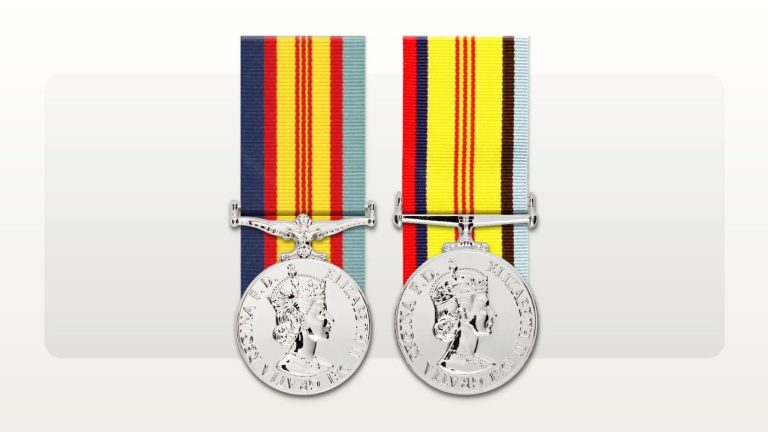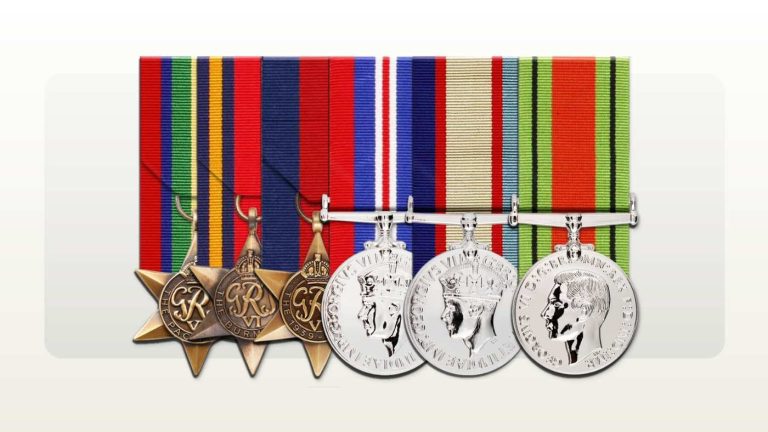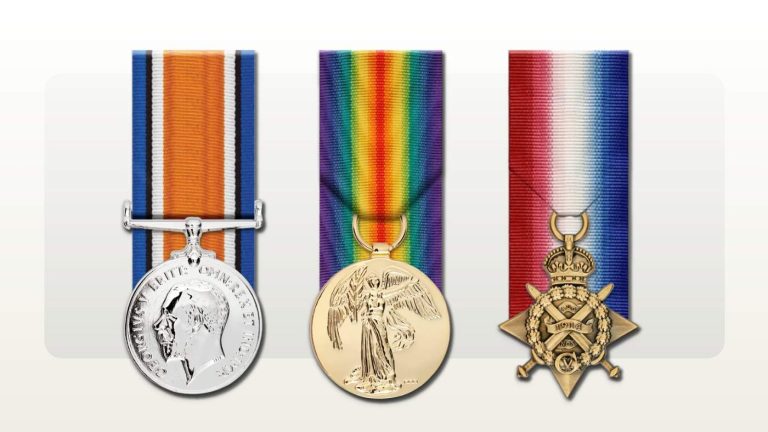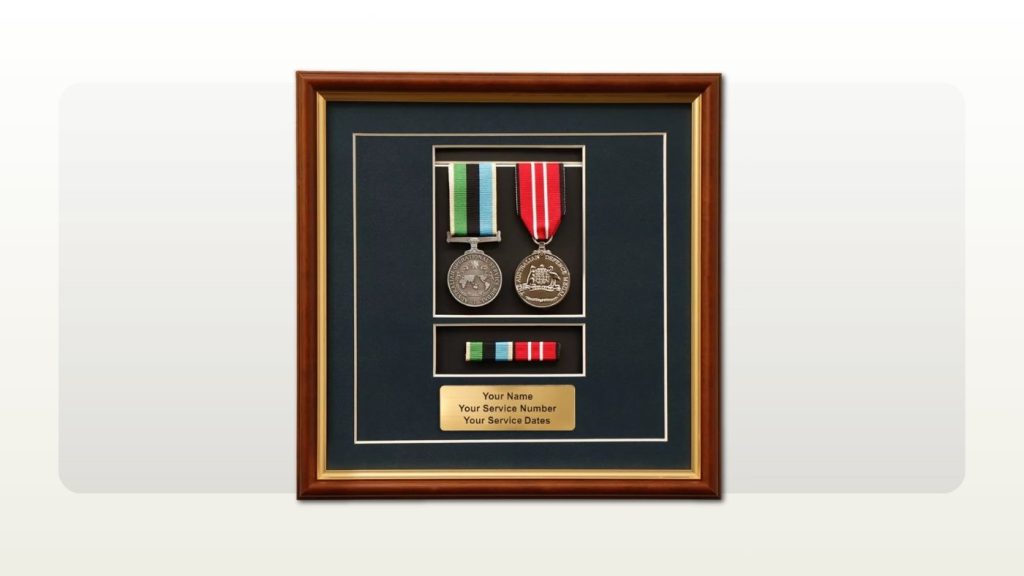
The engraved text on a medal display is small, permanent and read by everyone who sees it, so it deserves the same care as the medal list. On Rack Builder, the engraved plaque on a medal frame, the engraved plate on a photo and medal frame and the personal engraving on a timber box each allow three lines of text, with up to 22 characters per line including spaces.[1][2][3] That is enough for a name, a few key service details or a short dedication, but rarely all of them at once.
This guide covers choosing where the text goes, confirming details against the service record, fitting the wording and checking the preview. It covers the wording only. It does not decide which medals belong in the group; Rack Builder's FAQ advises checking the recipient's service record, award documents or relevant authority before ordering.[5]
Which Rack Builder products carry engraved text?
The table below summarises what each Rack Builder product page says about personalisation.
| Product | Where the text goes | Text allowance published on the page | Source |
|---|---|---|---|
| Medal frame | Engraved plaque in the frame | Three lines, 22 characters per line including spaces | [1] |
| Photo and medal frame | Engraved plate beside the photograph and medal group | Three lines, 22 characters per line including spaces | [2] |
| Timber box | Personal engraving, with an optional laser engraved service or unit badge on the lid | Three lines, 22 characters per line including spaces | [3] |
| Presentation set | Optional upgrades such as engraving can be added | No line limit stated on the page; ask Support | [4] |
| Replica medals themselves | Not recommended, because the plating can chip | Use an engraved frame plate or timber box instead | [5] |
Rack Builder's How it works page lists engraving text and plaque wording under the personal details to have ready before you start, alongside the award list and the required date.[6] Having the wording settled early means the order can move through review without a gap at the personalisation step.
Step 1: Decide what the display is for
The purpose shapes the wording. A retirement presentation usually leads with the recipient's name and rank. A remembrance display for a late relative may lead with a dedication. A family keepsake might carry only a name and the years of service.
Note who the display is for and who will see it. That helps you decide what to leave out.
Step 2: Confirm names, numbers and dates against the record
Plaque text should come from documents, not memory. Family recollections of a unit or enlistment year are often close but not exact.
- For First World War and Second World War service, the National Archives of Australia advises searching its RecordSearch database by surname and service number, and notes that service numbers can be found in the relevant nominal rolls.[8]
- The Australian War Memorial notes that service records commonly include an attestation paper and a service and casualty form recording movements and transfers between units, which can help when the recipient served in more than one unit.[10]
- The Department of Veterans' Affairs Anzac Portal notes that some records are difficult to find if the spelling does not match, and that its nominal rolls are not complete records.[11]
- For service after the Second World War, the National Archives notes that records are held by both the National Archives and the Department of Defence.[8] Defence's personal information request process is open to current and former members and to immediate family, with proof of relationship and proof of death required for a deceased member's records.[12]
If the service record and a family document disagree on a spelling or date, use what the official record shows, or raise the question with the family before you order. Rack Builder's FAQ also points to the Honours and Awards division of the Department of Defence and the National Archives of Australia when you need to research a relative's service and medals.[5]
Step 3: Choose which details earn a line
The frame pages list the kinds of details that suit the plaque: name, service number, rank, unit, service dates or a short dedication.[1][2] With three lines of 22 characters, most plaques can carry two or three of these, not all six.
- Name and rank: usually the first line. Decide whether to use full given names, initials or a common first name.
- Service number: useful for identification, but consider whether you want it on public display, particularly on a frame that will hang in a shared space.
- Unit: helpful when one unit defined the person's service. For a long career across many units, a service (for example, the branch) or a dedication may suit better.
- Service dates: decide whether the dates mean the whole period of service or a specific deployment, and say which on the plaque or in your own notes so the family reads them the same way.
- Dedication: a short phrase can replace several technical details on a remembrance display.
Step 4: Write dates and unit names consistently
Pick one date style and use it throughout. Years only, such as "1966 TO 1972", take up far less space than full dates, and they avoid confusion between day and month order. If you use a full date, check it against the record rather than a certificate copy or a newspaper notice.
For unit names, start with the name exactly as the record shows it. Service records often use abbreviations, and the National Archives publishes a list of the most common abbreviations used in First World War and Second World War service records.[9] Expanding an abbreviation can make a plaque easier to read, but it can also push a line past 22 characters, so check the count before you commit to the longer form.
If you are choosing a timber box, the lid badge can carry the unit identity so the engraved lines do not have to. Rack Builder's timber box page lists laser engraved approved Army, Navy and Air Force badges, including corps, regiment, ship, establishment, wing, squadron and unit badges.[3]
Step 5: Fit the wording into three lines of 22 characters
Count every character on each line, including spaces. Draft the wording in a plain text document, then check each line before you type it into the builder. The frame pages advise keeping the wording concise for clear engraving, and the frame and timber box pages advise checking spelling and line breaks in the preview, with the photo frame and timber box pages also mentioning capitalisation.[1][2][3]
A short planning template can help the family agree on the wording before anyone opens the builder:
"Line 1: [rank] [name as it should appear] | Line 2: [unit or service, or service number] | Line 3: [years of service or short dedication] | Source checked: [record name and date viewed]"
A worked example of trimming plaque text to fit
This is a hypothetical example, not a real recipient, service record or order. The names, service number and unit are invented to show the character counting.
A family wants a medal frame for a relative and starts with this wording: "Private John Andrew Citizen", "1st Example Regiment" and "Served 1966 to 1972", plus the service number 0000000.
The first line is 27 characters, five over the limit. Using the rank abbreviation and an initial brings it to 18 characters. The other two lines fit as written.
The family then tries to add the service number to the name line: "PTE J A CITIZEN 0000000" is 23 characters, one over. They could move the number to the unit line using the abbreviation from the record ("0000000 1 EX REGT" is 17 characters), but that leaves the unit harder to read. They decide the service number matters less on a display that will hang in a family home, and keep the first version.
| Line | Final wording | Characters |
|---|---|---|
| Line 1 | PTE JOHN A CITIZEN | 18 |
| Line 2 | 1ST EXAMPLE REGIMENT | 20 |
| Line 3 | SERVED 1966 TO 1972 | 19 |
Before approving, they compare each line with the service record once more and check the builder preview for spelling and line breaks.[1]
Step 6: Check the preview and approve with care
The medal frame page says the engraving preview helps you check spelling and line breaks before approval, and that you supply the plaque wording and approve the preview before production.[1] For photo and medal frames, you approve the personal details first, and the team checks image quality, crop and layout before production.[2]
- Read each line, letter by letter, against the record.
- Check that initials and abbreviations are used consistently.
- Confirm that the date style matches what the family agreed.
- Ask a second person, ideally a family member, to check the names.
After checkout, Rack Builder's How it works page says the team reviews the saved rack and contacts you when an award, clasp, layout or personal detail needs clarification.[6] That review checks the saved rack against the selected jurisdiction and published order of wear guidance.[6] It does not replace checking the recipient's service record, award documents or relevant authority, which the FAQ advises before ordering.[5] The Governor-General's Australian Order of Wearing Honours and Awards notes that the order of wear is periodically reviewed.[13]
If you spot an error after ordering, contact Support as soon as possible. The FAQ explains that the available action depends on whether review, material preparation, engraving, mounting or production has started.[5]
Where can I get help with engraving and display wording?
Rack Builder's Support page lists product questions, including engraving and fit, among its top tasks, and asks you to include your saved Rack Builder reference or order number when you have one.[7] Share only the details needed to answer the question; you do not need to send a full service record to ask about line length or layout.
If the display is for a presentation or event, enter the event or presentation date at checkout. Support notes that a required date does not confirm delivery until the team accepts the production schedule, and suggests calling before ordering when a date is close.[7]
When the wording is agreed, start your display in the Rack Builder builder and enter the three lines exactly as planned.[6]
If you still need to pull the details together from the paperwork, our guide to building a medal rack from a service record explains how to read the record before you start.
Frequently asked questions
How much text can I fit on a medal display engraving plaque?
Rack Builder medal frame plaques, photo and medal frame plates and timber box engravings each allow three lines of text, with up to 22 characters per line including spaces.[1][2][3] That is usually enough for two or three details, such as name and rank, unit or years of service, rather than all of them. Count every character, including spaces, before you type the wording into the builder.
How should I write service dates on a medal display engraving?
Pick one date style and use it throughout. Years only, such as "1966 TO 1972", take far less space than full dates and avoid confusion between day and month order. Decide whether the dates mean the whole period of service or a specific deployment, and if you use a full date, check it against the service record rather than a certificate copy or newspaper notice.
Where can I find the correct service number and unit for a medal plaque in Australia?
Check them against the official service record rather than memory. For First World War and Second World War service, the National Archives of Australia advises searching RecordSearch by surname and service number, and service numbers can be found in the nominal rolls.[8] Records of service after the Second World War are held by both the National Archives and the Department of Defence.[8]
Should I put a service number on a medal display frame?
It is your choice. A service number is useful for identification, but consider whether you want it on public display, particularly on a frame that will hang in a shared space. With only three lines of 22 characters per line,[1] you may decide that a name, unit or years of service is a better use of the space on a display at home.
Can I engrave replica medals instead of using a plaque?
Rack Builder does not recommend engraving replica medals, because the plating can chip.[5] Put the personal details on an engraved medal frame plaque, a photo and medal frame plate or a timber box instead. A timber box lid can also carry a laser engraved approved Army, Navy, Air Force or unit badge, so the engraved lines do not have to carry the unit identity.[3]
What happens if I notice a mistake in my engraving after ordering?
Contact Rack Builder Support as soon as possible. The FAQ explains that the available action depends on whether review, material preparation, engraving, mounting or production has started.[5] To avoid errors in the first place, read each line letter by letter against the record before approving the preview, and ask a second person, ideally a family member, to check the names.
Sources
Source pages reviewed 13 October 2026. Numbered citations in the article open the sources below.
- Rack Builder: Medal Display Frames with Engraved Plaques Three lines of 22 characters including spaces; suitable plaque details; concise wording; preview for spelling and line breaks; wording supplied and preview approved before production.
- Rack Builder: Photo and Medal Frames with Engraved Plaques Three lines of 22 characters including spaces; spelling, capitalisation and line breaks in the preview; personal details approved and image quality, crop and layout checked before production.
- Rack Builder: Personalised Timber Medal and Keepsake Boxes Three lines of 22 characters including spaces; laser engraved approved Army, Navy and Air Force, corps, regiment, ship, establishment, wing, squadron and unit badges on the lid.
- Rack Builder: Medal Presentation Sets for Retirement Optional upgrades such as engraving can be added; no line limit stated.
- Rack Builder: FAQ Engraving replica medals not recommended; check records before ordering; Defence Honours and Awards and the National Archives for research; changes after ordering depend on production stage.
- Rack Builder: How to Build and Order a Medal Rack (How it works) Engraving text, plaque wording and required date to have ready; post-checkout review against the selected jurisdiction and published order of wear guidance.
- Rack Builder: Support Product questions including engraving and fit; saved rack reference or order number; required date does not confirm delivery; call before ordering when a date is close.
- National Archives of Australia: Finding a service record RecordSearch by surname and service number; service numbers in nominal rolls; post-WWII records held by the National Archives and Defence.
- National Archives of Australia: Abbreviations used in First World War and Second World War service records List of the most common abbreviations in WWI and WWII service records.
- Australian War Memorial: Personal service records: Australian service Last updated 15 April 2026. Attestation paper and service and casualty form (B103) recording movements and transfers between units.
- Department of Veterans' Affairs: Research an Australian veteran's war service (Anzac Portal) Records can be hard to find if spelling does not match; nominal rolls are not a complete record.
- Department of Defence: Personal information requests Current and ex-members and immediate family; proof of relationship and proof of death for a deceased member.
- Governor-General: Australian Order of Wearing Honours and Awards Schedule dated 15 October 2025; the order of wear is periodically reviewed.